Table of Contents
Video Gift Event Presentation Checklist: A Reveal Without Stress
A video gift event presentation checklist: test power, sound, light and backup playback on the real equipment, run a premortem, and protect the moment.
The speeches are done. The host taps the glass, the lights dim, everyone turns toward the screen for the tribute video, and the laptop shows a spinning wheel. Someone mutters about the Wi-Fi. Someone else finds the volume, then finds it too loud. The person being honored smiles politely through four minutes of troubleshooting.
A video gift event presentation checklist is how you avoid that night. Test power, sound, light and a backup copy on the real equipment, in the real room, before guests arrive. Give one person the job of owning it. Then plan what the room will see and hear so the reveal is about the person, not the projector.
Key Takeaways
- Do the playback test before guests arrive, on the exact equipment and in the exact room you’ll use. Nothing else counts as a test.
- Checklists help confident people do routine checks: a 19-item surgical checklist cut deaths from 1.5% to 0.8% (Haynes et al., 2009). Event tech fails for the same reasons, skipped basics.
- Run a premortem: imagine the reveal has already failed and list why (Klein, 2007). It surfaces problems people won’t raise otherwise.
- Plan for the people who can’t hear well. About 15% of American adults report some trouble hearing (NIDCD). Captions and a sensible volume help everyone.
- Never depend on venue Wi-Fi. Have the video downloaded on the playback device and a second copy on a second device.
Why gift reveals fail at the worst possible moment
Every event planner has a story. The tribute video that wouldn’t play from the cloud link. The retirement slideshow with no sound because the laptop was connected to the projector’s HDMI but the audio went to the laptop speakers. The anniversary video that played perfectly, to a room that couldn’t see it, because the screen was behind the head table.
People search for help when they’re already worried: “how to play a video at a party”, “tribute video not playing at event”, “how to show a video at a restaurant without a projector”. The common thread is that the video was tested, but not where it would be played. It worked at home, on home Wi-Fi, through home speakers, in a quiet room. The venue is none of those things.
Small screens and personal gifts add their own wrinkle. If the gift itself is a video on a phone, tablet or a small device, the person receiving it can see it perfectly, and the forty guests behind them can’t see anything. That’s not a failure, if you planned for it. (If the gifts were personalized, the earlier risk is the proof stage; our proof-approval checklist for corporate personalized gifts covers that part.)
What the research says about preventing failures
Checklists work because experts skip steps
Alex Haynes and colleagues (2009, New England Journal of Medicine) introduced a 19-item surgical safety checklist in eight hospitals in eight cities. Deaths fell from 1.5% to 0.8%; complications fell from 11.0% to 7.0%. The study compared outcomes before and after rather than randomizing, and surgery is not an event. But the lesson is general: skilled people under time pressure skip basic checks because they’re sure the basics are fine. A short list read aloud fixes that.
Imagine it already went wrong
Gary Klein’s “premortem”, described in Harvard Business Review (2007), asks a team to assume a project has just failed and to list the reasons. The aim is to make it safe for people with doubts to voice them during planning, while they can still be fixed. The idea builds on research into “prospective hindsight”: Deborah Mitchell, J. Edward Russo and Nancy Pennington (1989, Journal of Behavioral Decision Making) found that when people explained an outcome treated as certain, rather than merely possible, their explanations were longer and more concrete.
For a reveal: sit down for ten minutes and say “the video failed tonight. Why?” You’ll hear “the laptop went to sleep”, “nobody knew where the volume was”, “the venue’s HDMI cable didn’t fit”, “the file was still in the cloud”.
Some of your guests can’t hear the video
The National Institute on Deafness and Other Communication Disorders reports that about 15% of American adults (37.5 million) say they have some trouble hearing, with rates rising sharply with age. A retirement party, a grandparents’ anniversary or a reunion will likely include guests who miss spoken words in a noisy room. The US Department of Justice’s ADA guidance lists open and closed captioning among the aids that support effective communication for people who are deaf or hard of hearing. Burned-in captions on a tribute video are a simple version that needs no special equipment.
The giver’s reward is the reaction
Adelle Yang and Oleg Urminsky (2018, Psychological Science) found that givers are strongly motivated by the recipient’s immediate reaction, and that this motive shrank when givers expected not to be present. At an event, the reaction is the point for the whole room. That’s an argument for protecting the moment: test the tech so the attention stays on the person.
The reveal checklist: what to test and when
Use this table as the run sheet. “When” assumes an evening event; adjust to your schedule.
| Check | When | How to test | Backup if it fails |
|---|---|---|---|
| Power | Venue walk-through and 2 hours before | Find outlets near the playback spot; charge every device fully; bring an extension cord | Battery-powered device at full charge |
| Playback device | 2 hours before | Play the full video start to finish on the actual device; disable sleep, notifications and updates | Second device with the same file |
| File location | Day before | Video downloaded locally, not streaming; correct version, named clearly | Copy on a USB drive and a second phone |
| Connection to screen | Venue walk-through | Connect with the venue’s cables and adapters; confirm both picture and sound go to the room | Bring your own adapter and cable |
| Sound | 1 hour before, with room noise | Play a loud and a quiet part at the volume you’ll use; stand at the back | Portable speaker paired and tested |
| Captions | When editing the video | Burned-in captions for any speech or song lyrics that matter | Printed lyrics or message in the program |
| Light and sightlines | Venue walk-through, at event time of day | Check glare on screens; sit where the honoree will sit; check the back row | Dim lights on cue; move the screen |
| Small-screen gifts | Planning | Decide what the room sees while the recipient watches the device | Show the same video on a big screen, or a short shared moment then private viewing |
| Cue and owner | Final run-through | One named person runs playback; the host knows the cue line | A written cue card for the host |
| Premortem | A few days before | ”It failed. Why?” with whoever is helping | Fix the top three causes |
The checks that fail most often in planners’ stories are the boring ones: sound routed to the wrong output, devices going to sleep and files that were never downloaded. They’re also the cheapest to test.
How to plan a stress-free gift reveal, step by step
Step 1: Decide what kind of reveal it is
Is the video for the room (a tribute everyone watches) or for one person (a personal gift opened in front of others)? The first needs a big screen and good sound. The second needs a clear plan for what everyone else does while the recipient watches. Common mistake: expecting forty guests to watch a phone-sized screen from across the room.
Step 2: Visit the venue, or call with specific questions
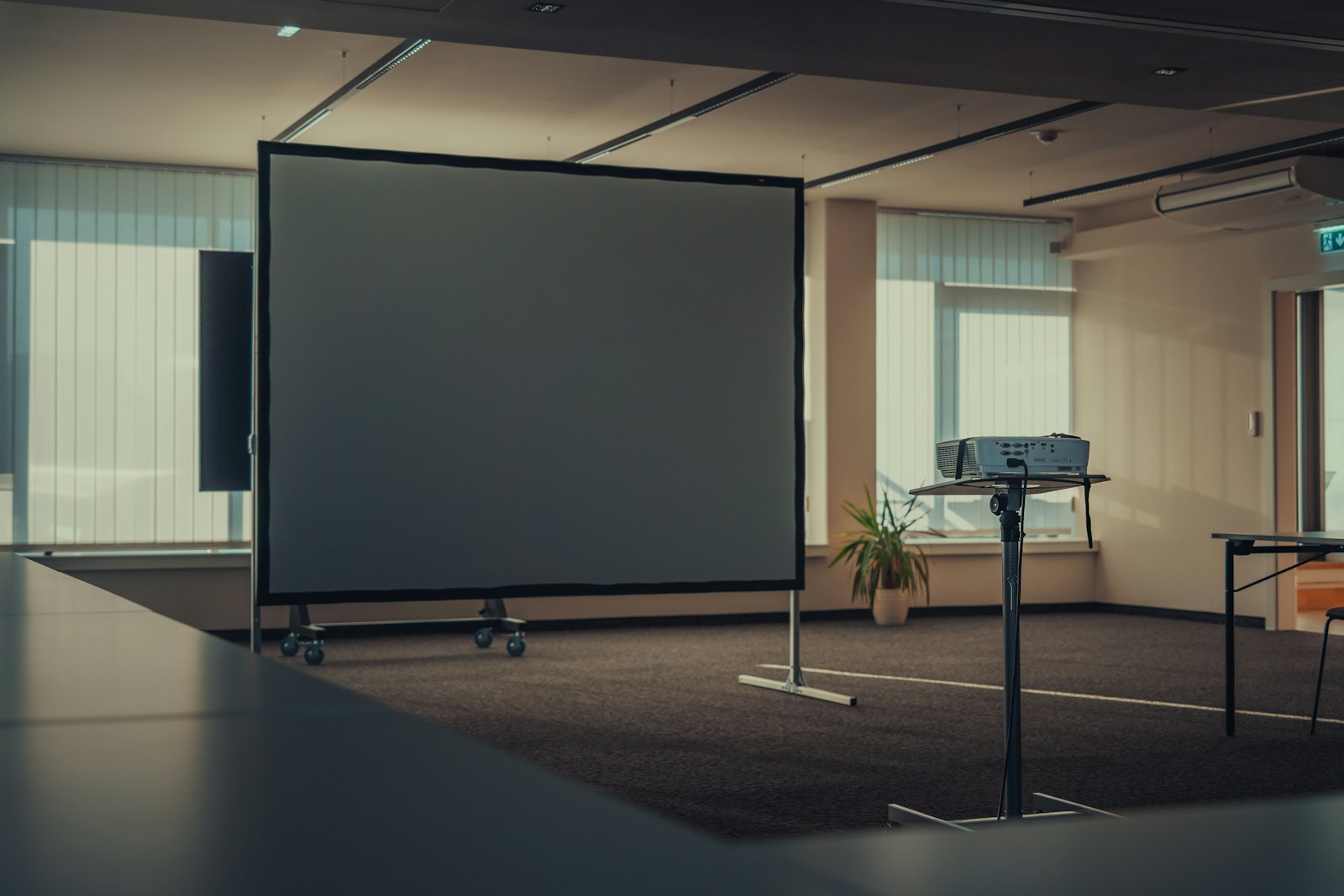
Ask: where will the screen be, where are the outlets, what cables does the projector or TV take, who controls the room audio, is there a microphone? If you can, visit at the same time of day as the event so you see the real light. Common mistake: asking “do you have AV?” and accepting “yes”.
Step 3: Get the video onto the device, offline
Download the final file onto the device that will play it. Name it clearly (“FINAL-retirement-video”). Put the same file on a second device and on a USB drive. Never rely on a streaming link or venue Wi-Fi. Common mistake: playing from a shared drive link on a phone signal that disappears in a basement ballroom.
Step 4: Run the full test in the room
Play the whole video, start to finish, through the actual screen and speakers. Stand at the back. Listen during a quiet part and a loud part. Watch for the device dimming or locking. Common mistake: testing the first ten seconds and assuming the rest is fine.
Step 5: Run a ten-minute premortem
With whoever is helping, say: “It’s after the party, and the video failed. What happened?” Write down every answer, then fix the top three. Klein’s method works because it gives people permission to say what worries them. Common mistake: skipping it because “we’ve done this before”.
Step 6: Name one owner and write the cue
One person runs the playback and does nothing else at that moment. The host gets a cue card: the exact sentence after which the video starts. Common mistake: the host introducing the video and then walking to the laptop to start it.
Step 7: Plan the moment after
When the video ends, what happens? Lights up, the honoree speaks, a toast? Leave a pause for the reaction; that pause is the point. If the gift is a personal device, give the recipient time to hold it and watch again later in private. Common mistake: cutting straight to dessert announcements.
What not to do
Don’t update anything on the day: no operating system updates, no new app, no re-exported “final final” file. The version you tested is the version you play.
How to make it personal
If you have 10 minutes
Write the one sentence the host will say right before the video starts. Make it about the person, not the video: “Thirty-one years ago, Linda walked into this office with a box of pens and a plan.”
If you have a weekend
Watch the video with someone who doesn’t know the honoree well. Where do they get lost? Add captions for names and inside jokes, and trim anything that only makes sense to three people in the room.
If you want it to last years
Make sure the honoree gets their own copy, downloaded, not just a link, so they can watch it again without the crowd. A reveal lasts one night; the file lasts as long as someone keeps it. We wrote more on why a moment attached to a gift makes it last longer.
The question to ask yourself: “If the tech failed tonight, would the person still feel celebrated, and have I made that failure unlikely?”
Frequently asked questions
How do you play a video at an event without problems?
Download the video onto the playback device, test it start to finish on the venue’s real screen and speakers before guests arrive, disable sleep and notifications, and keep a second copy on another device. Assign one person to run playback and give the host a written cue line.
What do I need to show a video at a party or restaurant?
A device with the video saved offline, a screen large enough for the room, sound that reaches the back (the venue’s system or a tested portable speaker), the right cable or adapter, power nearby and a backup copy. Ask the venue specific questions about cables and outlets beforehand.
Should a tribute video have captions?
Yes, when speech or lyrics matter. About 15% of American adults report some trouble hearing (NIDCD), and venues are noisy. ADA guidance lists captioning among the aids for people who are deaf or hard of hearing. Burned-in captions need no special equipment and help everyone follow along.
How do you present a small-screen video gift to a room full of people?
Decide whether the room needs to see it. One approach: the recipient watches the device while the same video plays on a big screen for everyone. Another: a short shared moment, then private viewing later. Either way, plan what guests do while the recipient watches.
How early should I test the video at the venue?
Test during a venue walk-through, ideally at the same time of day as the event, and again about two hours before guests arrive. The second test should use the exact device, cables and volume you’ll use, with room noise if possible.
For a keepsake that has to play on its own, without a laptop or Wi-Fi, that’s one problem we solve at Watch N Wow: the Mini TV plays its video and song from a memory card inside it, and the video can also be downloaded from its online share page for a bigger screen.
About the author
Ricky Flores is the founder of Watch N Wow and an electrical engineer with 15+ years of experience building consumer technology at Apple, Samsung, and Texas Instruments. In Dallas, Texas, he builds the Mini Memory TV by hand: a small retro TV that plays a video, a message and an original song made from your photos and your story. Read more at watchnwow.com.
Sources
- Haynes, A. B., Weiser, T. G., Berry, W. R., et al. (2009). “A surgical safety checklist to reduce morbidity and mortality in a global population.” New England Journal of Medicine, 360(5), 491–499. https://doi.org/10.1056/NEJMsa0810119
- Klein, G. (2007). “Performing a project premortem.” Harvard Business Review. https://hbr.org/2007/09/performing-a-project-premortem
- Mitchell, D. J., Russo, J. E., & Pennington, N. (1989). “Back to the future: Temporal perspective in the explanation of events.” Journal of Behavioral Decision Making, 2(1), 25–38. https://doi.org/10.1002/bdm.3960020103
- National Institute on Deafness and Other Communication Disorders. “Quick Statistics About Hearing, Balance, & Dizziness.” https://www.nidcd.nih.gov/health/statistics/quick-statistics-hearing
- U.S. Department of Justice, Civil Rights Division. “ADA Requirements: Effective Communication.” https://www.ada.gov/resources/effective-communication/
- Yang, A. X., & Urminsky, O. (2018). “The smile-seeking hypothesis: How immediate affective reactions motivate and reward gift giving.” Psychological Science, 29(8), 1221–1233. https://doi.org/10.1177/0956797618761373