Table of Contents
Personalized Gift Proofreading Checklist: Names and Dates
A personalized gift proofreading checklist for names, accents, dates and print placement, with what reading research says about the typos our eyes skip.
The engraving says “Happy 25th Anniversary, Rosa & Migeul.” Everyone at the party sees it. Your uncle Miguel laughs about it in the way that means he will mention it at every family gathering for the next decade.
You looked at that preview three times. You did not see it.
A personalized gift proofreading checklist exists because the errors that make it to print are the ones that look right: a name spelled a valid but wrong way, two letters swapped in the middle, a date that reads differently to half the family, an accent the font quietly dropped. Reading research explains why our eyes skip these, and what slows them down enough to catch them.
Key Takeaways
- Proofreaders catch misspellings more often than wrong-but-real words, and spending more time and more eye fixations on the text predicted catching more errors (Burgoyne et al., 2022). “Maricela” for “Marisela” is the dangerous kind of typo.
- Swapping two inner letters (“caniso” for “casino”) produces a string that the reading system treats as very close to the real word, unless the first letter moves (Perea & Lupker, 2007). Your eyes forgive “Migeul.”
- The popular idea that you can’t proofread your own writing got weak support in a careful eye-tracking test; time and attention mattered more than who wrote it (Burgoyne et al., 2022).
- Numeric dates like 03/04 mean March 4 in the US and 3 April in most of Latin America and Europe; spelled-out months avoid it (W3C).
- The checklist that works: compare every name and date to a trusted source, letter by letter, at print size, then have someone else do the same.
Why the typo always shows up after it’s printed
The stories online are almost identical: “the jeweler engraved the wrong date,” “I spelled my own sister’s name wrong on a blanket,” “the mug said ‘Grandma’ with a typo and I’d approved the proof.” Nobody in these stories was careless. They looked at the preview, and the preview looked fine.
Three things work against you. First, you know what the name is supposed to say, so your brain fills it in. Second, personalization screens are small, and the text sits on a busy design at a scale where a single letter is a few pixels. Third, the parts most likely to be wrong (names, accents, dates) are the parts spell check can’t help with. No spell checker knows that your niece is “Ximena” and not “Jimena,” or that the wedding was on the 12th, not the 21st.
On top of that, many personalized gifts carry text in more than one place: the front, the back, the sides, a box, a screen. A correction made on one side doesn’t fix the other. And a gift for a bilingual family may mix English and Spanish, with accents, ñ and inverted question marks that some fonts don’t support.
What the research says about the typos we miss
Real-looking errors slip through more than misspellings
Alexander Burgoyne and colleagues ran two eye-tracking experiments on proofreading, published in Psychological Research (2022). Across both, word errors (wrong words that are real words) were detected less often than non-word errors (misspellings), and errors in small function words were detected less often than errors in content words. Students who made more fixations on the text and spent more time proofreading detected more errors.
On a gift, names behave like that dangerous category. “Brian” and “Bryan” are both real names. So are “Isabel” and “Isabelle,” “Marisela” and “Maricela,” “Steven” and “Stephen.” A misspelling that produces another valid name looks like a correct word to both your eyes and any software. The finding also gives you the fix: more time and more fixations. Slow, deliberate looking catches more.
Swapped letters look almost right
Manuel Perea and Stephen Lupker have studied transposed-letter effects for years. In a summary published in Psicothema (2007), they note that nonwords created by swapping letters (caniso for CASINO) look more similar to the real word than nonwords created by replacing letters (caviro), that the effect holds up even when non-adjacent inner letters are swapped, and that it did not appear when the first letter was moved.
That is why “Migeul,” “Jsoé” or “Sofai” can survive three readings. The first letter is right, the length is right, the letters are all there. Your reading system is built to forgive exactly this. Reading quickly, in context, makes it worse. Reading letter by letter breaks it.
The “you can’t proofread your own work” belief, tested
Popular advice says you can never catch your own typos. Burgoyne’s team tested this “self-generation effect” directly. Their first experiment found no such effect; their second, which made people extra familiar with their own text, found a weak and non-significant one. Earlier studies had disagreed, with some finding that familiarity even helped. The honest summary: who wrote the text matters less than how carefully it is checked. A second reader still helps, mostly because a fresh person reads slowly and doesn’t know what to expect.
Dates mean different things to different readers
The W3C’s internationalization guidance on date formats points out that numeric dates are ambiguous across locales: most of Europe uses day/month/year, Japan uses year/month/day, and the US uses month/day/year. It recommends either the ISO 8601 format (YYYY-MM-DD) or, for people, an explicit month name with a four-digit year. For a family that spans Dallas and Guadalajara, “03/04/2001” on a gift is a coin flip. “April 3, 2001” or “3 de abril de 2001” is not.
Proofreading checklist table
Work through the table for every piece of text on the gift, on every side.
| What to check | Typical error | How to catch it | Why |
|---|---|---|---|
| First names | Valid but wrong spelling (Bryan/Brian, Isabel/Isabelle) | Compare to a trusted source: ID, invitation, how they sign messages | Real-word errors are caught less often (Burgoyne et al. 2022) |
| Inner letters of names | Swapped letters (Migeul, Sofai) | Read letter by letter, or spell it aloud | Transposed letters look like the real word (Perea & Lupker 2007) |
| Accents and special characters | Missing tilde or ñ (Jose, Pena), font replaces with a box | Zoom to the character; check the font supports it | Spell check ignores names; decorative fonts often lack accented letters |
| Compound and family names | Dropped second name or particle (María José, de la Cruz) | Ask the person or family how they write it | Common practice |
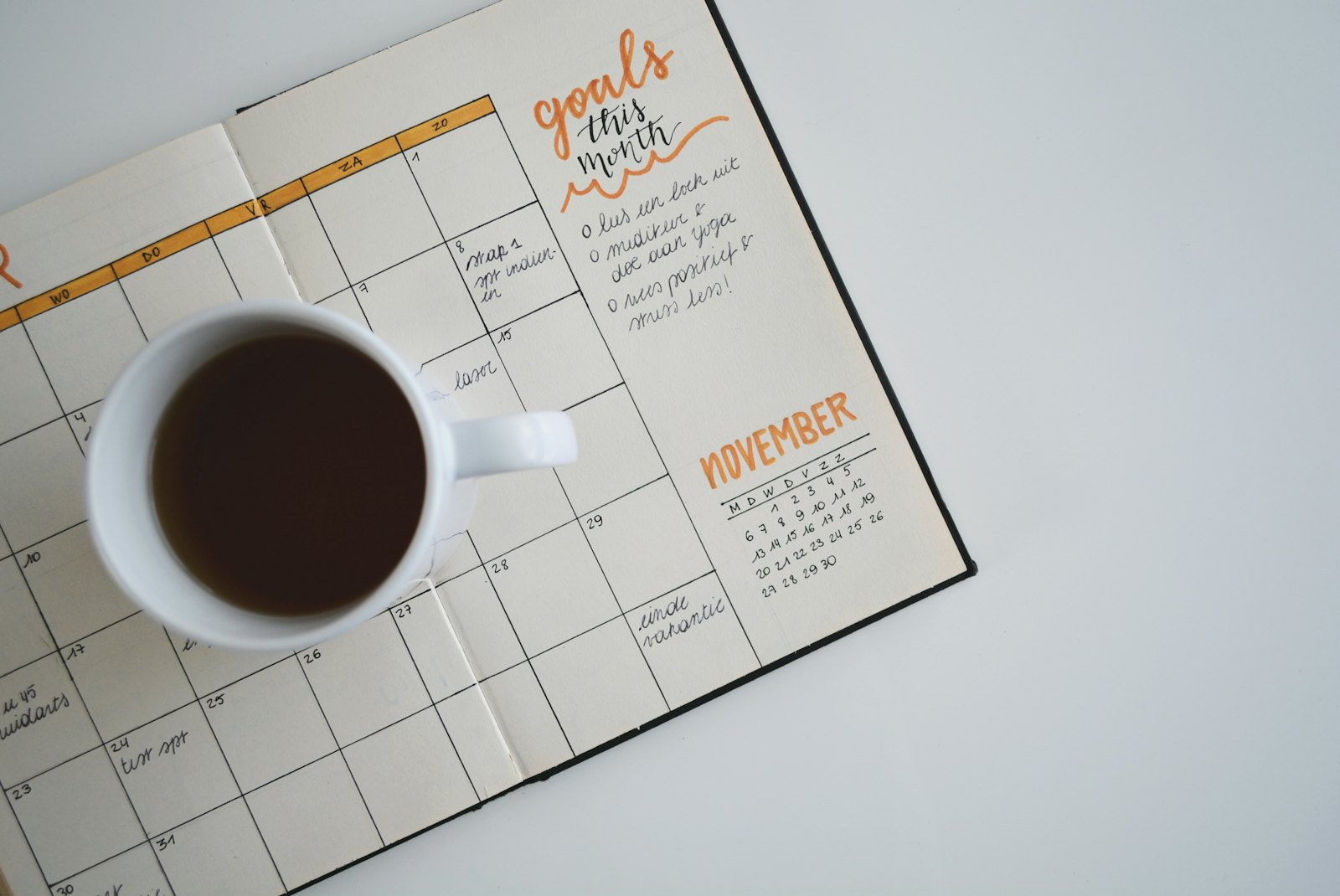
| Dates | Day/month order, wrong year, wrong digit (12 vs 21) | Spell out the month; check against a document or calendar | Numeric dates are ambiguous across locales (W3C) |
| Numbers and counts | 25th vs 30th anniversary, age, “since” year | Do the math from the start year | Common practice |
| Small words | Missing “of,” “the,” “de,” apostrophes (Moms vs Mom’s) | Read the full line aloud, slowly | Function-word errors are caught less often (Burgoyne et al. 2022) |
| Placement and fit | Text cut off at edges, hidden behind a fold or button, too small | View the full preview at print size, side by side | Common practice |
| Consistency across sides | Fixed on front, still wrong on back or box | Check every surface separately after any edit | Common practice |
The rows labeled common practice aren’t backed by a specific study; they come from how print errors usually happen. The others map directly to findings.
How to proofread a personalized gift, step by step
Step 1: Collect the trusted spellings first
Before you open the preview, write down every name and date on a separate piece of paper or a note, taken from a reliable source: the wedding invitation, a birth announcement, how the person signs their own messages, an ID if appropriate. For names you’re unsure of, ask quietly: “How does Tía Lupe write her full name?” Common mistake: checking the gift against your memory, which is the same source that made the error.
Step 2: Use spelled-out dates
Wherever the design allows, write the month as a word and the year in four digits: “June 12, 2004” rather than “6/12/04.” If the gift is for a bilingual family, choose one language for the date and stick to it. If a numeric date is required by the design, decide which order the recipient reads and confirm it with them or a close relative. Common mistake: typing the date the way your phone shows it.
Step 3: Zoom to print size and read letter by letter
Look at the preview at the size it will be printed, then zoom in on each name and read it one letter at a time, comparing it to your trusted list. Spell it aloud: “M-I-G-U-E-L.” Burgoyne’s results link more fixations and more time to more errors caught, and letter-by-letter reading defeats the transposed-letter effect Perea and Lupker describe. Common mistake: reading the whole message as a sentence, which is how your brain fixes typos without telling you.
Step 4: Check accents and special characters separately
Find every á, é, í, ó, ú, ñ, ü, ¿ and ¡ and confirm each one is there and drawn correctly. Some decorative fonts don’t include accented letters and silently swap in a plain letter, a different font or an empty box. If you see a mismatch, switch to a font that supports the characters. And remember that capital letters carry accents too in Spanish: “ÁLVAREZ,” not “ALVAREZ.” Common mistake: dropping the accent “because it’s in capitals.”
Step 5: Check placement on every surface
Look at each side of the gift in the preview: front, back, sides, top, box, screen. Is any text running into an edge, a seam, a hole, a button, a fold or a hinge? Is any line so small it will blur? Did a long name get shrunk to fit while a short one stayed large? Common mistake: fixing a typo on the front and forgetting the same name appears on the back.
Step 6: Have a second person do the same check
Send a screenshot of each side to someone who knows the recipient and ask them to check the names and dates against their own knowledge, not to “take a look.” A specific job (“Can you check the spelling of every name and both dates?”) gets slower, more careful reading than a general request. Common mistake: asking “Does this look good?”, which invites a quick glance and a thumbs-up.
What not to do
Don’t approve a proof on your phone while doing something else. The research is consistent that time and attention catch errors. And don’t trust autocorrect while typing names; it will happily change “Yesenia” to “Yes” or “Araceli” to something else entirely. Type names slowly, then check them.
How to make it personal
If you have 10 minutes
Open your family group chat and search for the recipient’s name. See how they spell it themselves, with or without accents, with a nickname or without. Write it down. That is your trusted spelling for any gift this year.
If you have a weekend
Make a small “family spelling sheet”: everyone’s full name as they write it, birthdays and anniversaries with months spelled out, and nicknames. Ask one relative to check it. You will use it for every gift, card and video caption (here is how to place captions without covering faces) for years.
If you want it to last years
Choose words that will still be true later. “Married 25 years” is right this year and wrong next year; the wedding date is right forever. Names and dates are what people look for decades later, which is part of why a gift tied to a specific moment lasts, as explained in why gifts with a moment attached last longer.
The question to ask yourself: “Did I check this name against how they write it, or against how I think it’s written?”
Frequently asked questions
How do I proofread a personalized gift before ordering?
Write down every name and date from a trusted source, view the preview at print size, read each name letter by letter, check accents separately, look at every side for cut-off text, and ask a second person to check names and dates specifically. Spelled-out months avoid date confusion.
Why do I keep missing typos in names?
Names often turn into other valid names when misspelled, and proofreaders catch real-word errors less often than misspellings. Swapped inner letters also look almost right to the reading system. Reading letter by letter and spelling names aloud slows you down enough to catch them.
Should I write the date as numbers or words on a gift?
Words, when possible. Numeric dates like 03/04 mean March 4 in the US and 3 April in most of Latin America and Europe. Writing “April 3, 2001” or “3 de abril de 2001” removes the ambiguity, which matters for families that read dates both ways.
Do accents matter on names in a personalized gift?
Yes, if the person writes their name with them. “José” and “Jose” are different to many families, and Spanish capitals carry accents too. Check that the font actually supports the accented characters; some decorative fonts drop them or replace them with a box.
Is it true you can’t proofread your own writing?
The evidence is weaker than the saying. A careful eye-tracking study found no reliable self-generation effect, while time spent and number of fixations predicted catching more errors. A second reader still helps, mostly because a fresh person reads more slowly.
About the author
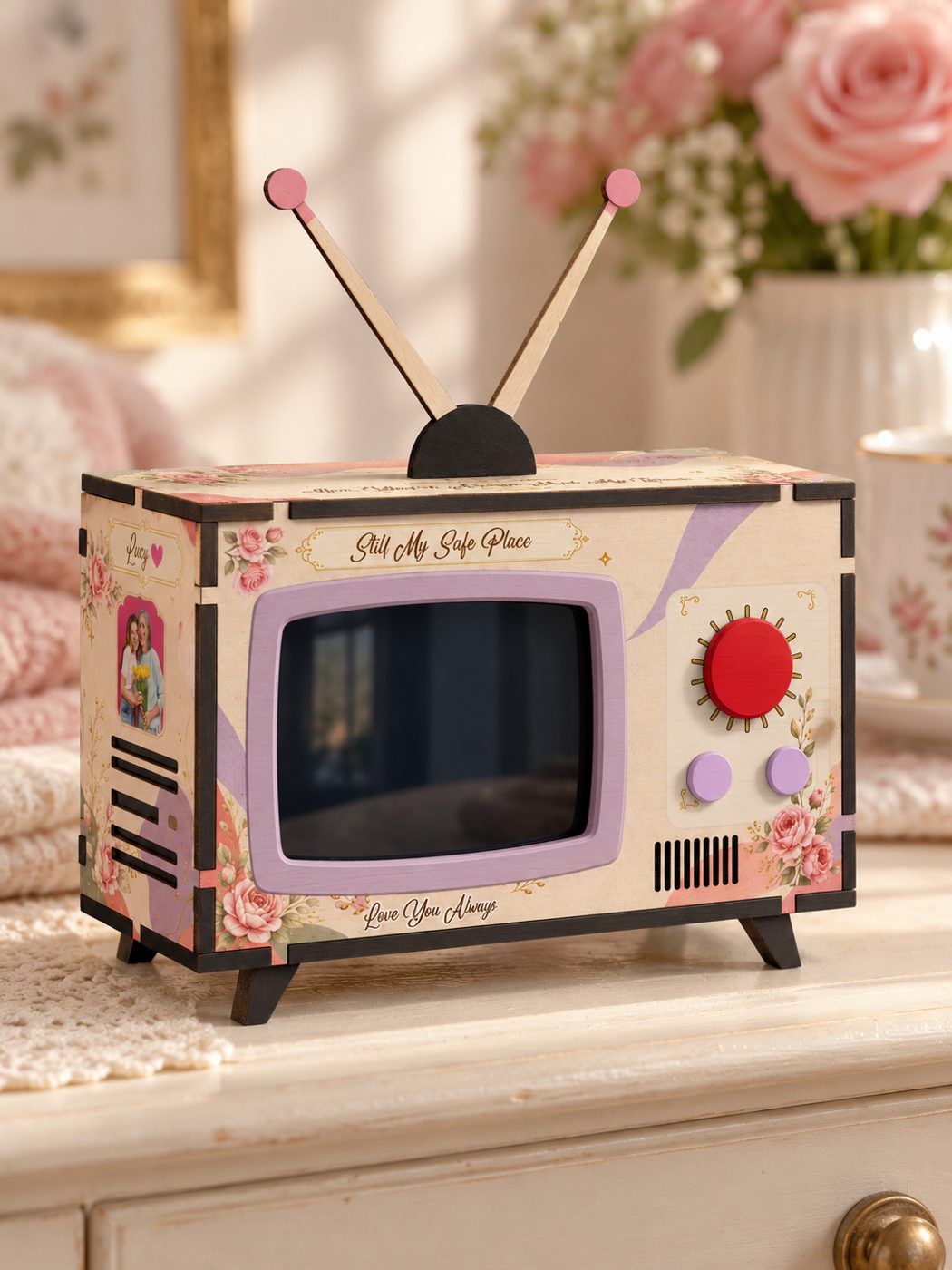
Ricky Flores is the founder of Watch N Wow and an electrical engineer with 15+ years of experience building consumer technology at Apple, Samsung, and Texas Instruments. In Dallas, Texas, he builds the Mini Memory TV by hand: a small retro TV that plays a video, a message and an original song made from your photos and your story. Read more at watchnwow.com.
Sources
- Burgoyne, A. P., Saba-Sadiya, S., Harris, L. J., Becker, M. W., Brascamp, J. W., & Hambrick, D. Z. (2022). “Revisiting the self-generation effect in proofreading.” Psychological Research. https://doi.org/10.1007/s00426-022-01699-3
- Perea, M., & Lupker, S. J. (2007). “La posición de las letras externas en el reconocimiento visual de palabras.” Psicothema, 19(4), 559–564. https://www.psicothema.com/pi?pii=3397
- Perea, M., & Lupker, S. J. (2004). “Can CANISO activate CASINO? Transposed-letter similarity effects with nonadjacent letter positions.” Journal of Memory and Language, 51, 231–246. https://doi.org/10.1016/j.jml.2004.05.005
- W3C Internationalization. “Date formats.” https://www.w3.org/International/questions/qa-date-format