Table of Contents
How to Choose Photos for a Gift When You Have Thousands
How to choose photos for a personalized gift from a camera roll of thousands: a three-pass shortlist, a story-first worksheet, and what the research says.
You open the camera roll to find “a few good ones” of your sister for her fortieth, and forty minutes later you are in 2019, looking at a parking-garage photo, with nothing chosen. The phone says 14,212 items. Every one of them feels like it might matter.
Here is the short answer to how to choose photos for a personalized gift: decide what the gift is saying before you look at a single photo, then run three fast passes over the camera roll instead of one slow scroll. Search, then test for story, then test for quality. Stop at 12 to 20. The research on choice and memory explains why this works, and why the scroll doesn’t.
Key Takeaways
- Choice overload is real but conditional: a meta-analysis of 99 observations found it grows when people are unsure what they want and the task is hard (Chernev, Böckenholt & Goodman, 2015). Deciding the story first removes that uncertainty.
- How long a video or album runs matters less than its strongest moments and how it ends; people’s overall judgments largely ignored duration in two experiments (Fredrickson & Kahneman, 1993).
- Search beats scrolling. Pull candidates by person, place or month, then judge them. Don’t judge 14,000 thumbnails one by one.
- Keep only the best version of near-duplicates, as the Library of Congress advises for personal photo collections.
- A gift usually needs 12 to 20 photos. Your shortlist can be longer; the final set should be shorter than feels comfortable.
Why your camera roll is not a storyboard
People describe this problem the same way over and over: “I have too many photos and can’t pick.” “Every time I start, I get lost scrolling.” “They’re all kind of the same.” The phone was built to capture, not to edit. It stores everything in date order, which is the one order that almost never matches the story you want to tell.
The scroll also mixes two jobs that need different brains. Finding photos is a search task: where are the pictures of Dad with the grandkids? Choosing photos is an editorial task: which of these says who he is? When you try to do both at once, thumbnail by thumbnail, every image becomes a small decision, and you make thousands of them before you have made one that counts.
There is a further trap. Taking a photo can stand in for remembering. In Linda Henkel’s museum-tour experiments, people who photographed whole objects later remembered those objects, and their details, worse than people who only looked (Henkel, 2014). So a camera roll is full of moments you recorded but did not quite keep. That is part of why scrolling feels like wandering through someone else’s life. You need a way back in that starts with the person, not the timeline.
We have written before about why so many photos never get seen again. This guide is the practical companion: how to get from thousands to a set you can hand someone.
What the research says about choosing from too many photos
Overload depends on knowing what you want
Choice overload, the idea that more options make choosing harder and less satisfying, has a messy record, and earlier meta-analytic work questioned whether it existed at all. Then Alexander Chernev, Ulf Böckenholt and Joseph Goodman (2015, Journal of Consumer Psychology) re-analyzed 99 observations from 7,202 participants and identified four conditions that make overload more likely: a complex choice set, a difficult decision task, uncertainty about your own preferences, and a goal of minimizing effort. With those moderators accounted for, assortment size did predict overload.
Read that list against a camera roll. Thousands of near-identical images (complex set). An emotional decision (difficult task). No clear idea of what the gift should say (preference uncertainty). And you want it done by Sunday (effort-minimizing goal). Every condition is present. The one you control most easily is preference uncertainty. Decide the story, and the photos stop being equally plausible.
The peaks and the ending carry the memory
Barbara Fredrickson and Daniel Kahneman (1993, Journal of Personality and Social Psychology) showed people pleasant and unpleasant film clips of different lengths and asked for moment-by-moment and overall ratings. Duration had only small effects on the overall evaluations; people judged an episode as if from a weighted set of snapshots. The clips were short lab films, not family slideshows, so treat the leap as an inference. But it supports a practical rule: twenty strong images and a deliberate last one beat ninety pleasant ones.
Stories hold together by more than dates
Tilmann Habermas and Susan Bluck (2000, Psychological Bulletin) describe how life stories hang together through four kinds of coherence: temporal (the order things happened), biographical, causal (this led to that) and thematic (what it all means). The camera roll offers only the first. A gift can use the others. “The year she learned to swim, then coached others” is causal. “Every photo of him has a dog in it” is thematic. Choosing a thread is what lets you skip most of the roll.
Memories are meant to be revisited with people
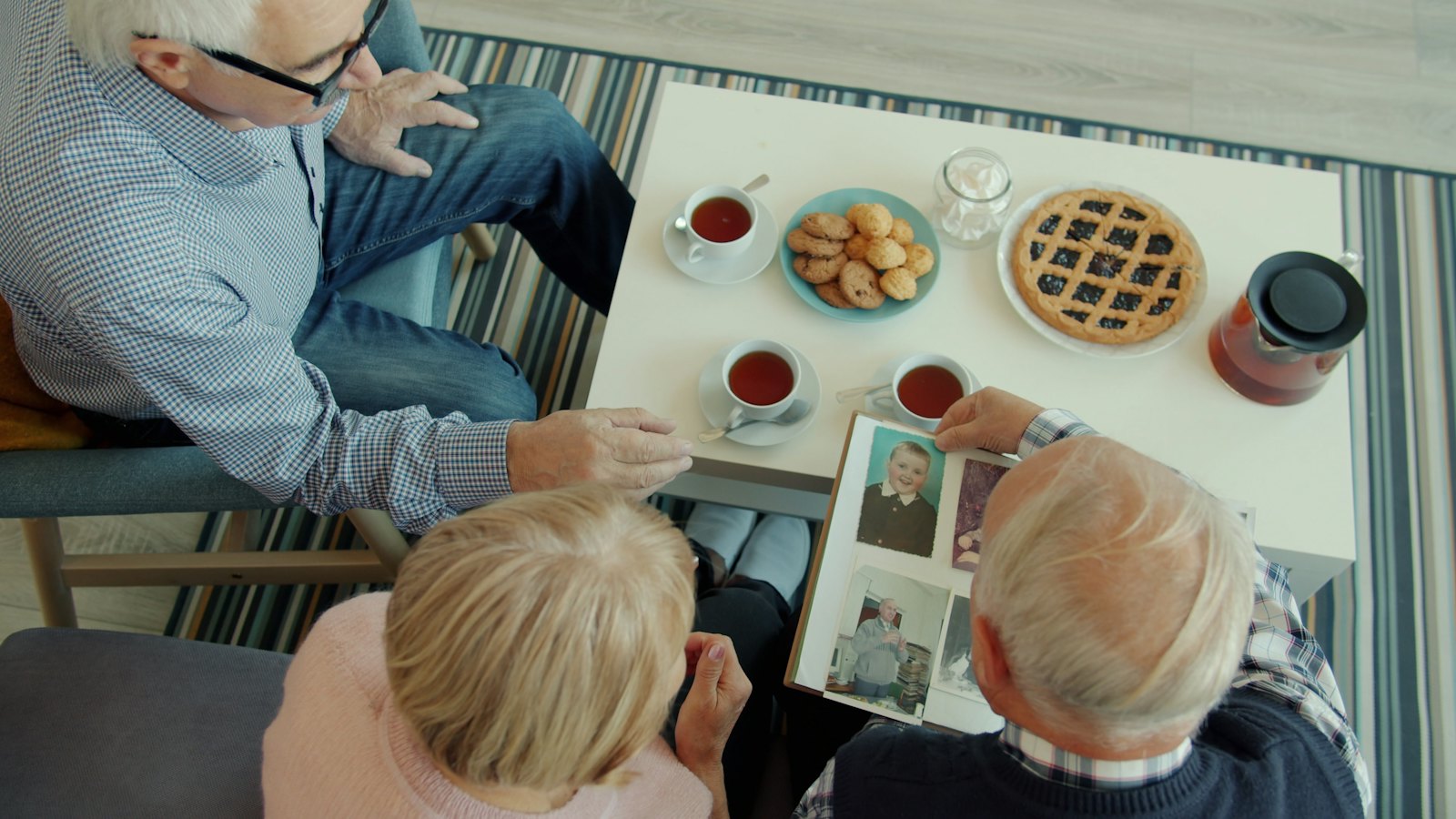
Tim Wildschut, Constantine Sedikides and colleagues (2006, Journal of Personality and Social Psychology) found across seven studies that nostalgic memories typically feature the self with close others, and that revisiting them strengthened feelings of social connection. That is a selection rule in disguise: when two photos compete, the one with the relationship in it usually wins.
What the archivists recommend
The Library of Congress’s guidance on personal digital photographs boils down to identify, decide, organize and copy. Two lines matter here: decide which photos are most important to you, and when there are multiple versions of an important photo, keep the one with the highest quality.
Three-pass shortlist vs. the scroll
The table compares the usual approach with the method in this guide.
| Approach | What you do | Typical result | Where it fails |
|---|---|---|---|
| The scroll | Start at today, swipe back, favorite as you go | 150 favorites, no story, an hour gone | Every thumbnail is a decision; date order hides the thread |
| Ask the group chat | ”Send me your best photos of Mom” | 60 photos, half duplicates, many screenshots | No brief; you get what’s easy to find, not what fits |
| Three-pass shortlist | Write the story line, search for candidates, test each for a job, then test quality | 12–20 photos with a beginning, middle and end | Needs 10 minutes of thinking before you open the app |
| Story worksheet only | Fill the slots (opening, people, turning point, ending) and hunt for each | Tight set, sometimes missing candid gems | Can feel rigid; combine with pass 1 to leave room for surprises |
The difference is where the effort goes. The scroll spends it on looking. The shortlist spends it on deciding, once, up front.
How to choose photos for a personalized gift, step by step
Step 1: Write one sentence about what the gift says
Before opening the photo app, finish this sentence: “This is about the way [name] ___.” The way she turned every trip into a food tour. The way he showed up for all of us after Mom’s surgery. That sentence is your brief. It is what removes preference uncertainty, the overload condition you can fix. Common mistake: “This is about her whole life.” That sentence admits every photo and rules out none.
Step 2: Pass one, search instead of scroll (15 minutes)
Use the search in your photo app: by date range, by place, and by person if your app groups faces. Search for the specific trip, the house, the year in your sentence. Favorite or add to a new album anything that might fit. Aim for 60 to 100 candidates, and do not judge them closely yet. Also ask two or three people who were there for specific moments, not “your best photos.” Common mistake: exporting from social media or accepting screenshots. Those are compressed copies; ask for the originals (see how to download original photos instead of screenshots).
Step 3: Pass two, give each photo a job
Go through the album and keep only photos that can do one of these jobs:
- Opening: names the era or place in one glance.
- Who they are: a candid that shows their habit, laugh or posture.
- The people: them with the relationships that matter.
- Turning point: the moment the story changes (the move, the diagnosis, the new baby, the finish line).
- Ordinary day: the kitchen, the commute, the dog on the couch.
- Ending: where things are now, or the moment you want them to replay.
A photo without a job goes, no matter how nice. Expect to cut to 25 to 35. This pass is where Habermas and Bluck’s causal and thematic threads earn their keep.
Step 4: Pass three, the quality and duplicate test
Now judge the pictures as pictures. From each burst or near-duplicate group, keep one: the sharpest, with eyes open and faces large enough to read. The Library of Congress advice applies directly: keep the highest-quality version. Check that faces are not tiny, especially if the gift will appear on a small screen or a small print. Cut to 12 to 20. Common mistake: throwing out an imperfect photo that is the only record of a moment. A slightly soft photo with a real job beats a sharp one without; we look at that trade-off in whether a blurry photo can still belong in a gift.
Step 5: Pick the last photo first
Fredrickson and Kahneman’s finding suggests the end weighs heavily on how the whole is remembered. Choose your final image deliberately: a face looking at the camera, a voice clip if you are making a video, the line you want them to sit with. Then choose the opener. The middle can be imperfect.
Step 6: Save the set and the originals
Put the final set in its own album, download full-resolution copies to one folder, and name it clearly. The Library of Congress recommends at least two copies in different places. Your shortlist is now also next year’s head start.
The story-first selection worksheet
Copy this into a note before you start.
| Slot | What it shows | My photo (file name or description) |
|---|---|---|
| Story sentence | ”This is about the way ___“ | |
| Opening | The era or place in one glance | |
| Who they are (2–4) | Candids of their habits and expressions | |
| The people (3–5) | Them with the relationships that matter | |
| Turning point (1–2) | The moment the story changed | |
| Ordinary day (1–3) | Home, work, the routine you’ll miss | |
| Ending | Where it lands; the image to replay |
How to make it personal
If you have 10 minutes
Write the story sentence, then search your phone for one place or one month that fits it. Favorite five photos. That’s a real start, and it is more than most people manage.
If you have a weekend
Run all three passes. Send two relatives a specific request (“the photo from the lake when he fell off the dock”). Fill the worksheet, then show the set to one person who knows the recipient and ask which photo they’d cut.
If you want it to last years
Keep the final set and its originals in a named folder with a short note: who is in each photo, where, and why you chose it. Names and places are what disappear first. The note turns a set of files into something a grandchild can read.
The question to ask yourself: “Would they choose this photo of themselves, or am I choosing it because I like how I look in it?”
Frequently asked questions
How many photos should I use for a personalized gift?
For most gifts, 12 to 20 photos is enough: a short video, a small album or a set of prints. Start with a longer shortlist and cut. Research on how people remember episodes suggests the strongest moments and the ending matter more than the total count, so a tight set with a deliberate final photo usually lands better than a long one.
How do I pick the best photos out of thousands?
Don’t scroll. Write one sentence about what the gift says, search your photo app for the people, places and dates that fit it, then keep only photos that do a job: opening, who they are, the people, turning point, ordinary day, ending. Finish by keeping the sharpest version from each group of near-duplicates.
Should I use posed or candid photos?
Mostly candid, with one or two posed photos as anchors. Candid shots show habits and expressions, which is what people recognize as “them.” A posed group photo can be a good opener because it names the occasion. If faces are small in a group shot, it will read poorly on a small screen or small print.
What if family members send me screenshots or social media copies?
Ask for the original files instead. Screenshots and social media downloads are usually smaller, compressed copies, and faces can turn soft when the photo is enlarged or cropped. If the original is truly gone, keep the copy if it does an important job in the story; meaning can outweigh resolution.
Is it okay to include photos where the person isn’t smiling?
Yes, if the photo does a job. A focused face at the workbench or a quiet look at a newborn often says more than a camera smile. Leave out photos the person would find embarrassing or that touch on something painful unless you know they’d want it included.
If you’d rather hand the final set to someone else to build the video and song from, that’s what we make at Watch N Wow: you upload the photos and a short story, review the draft, and it plays on a small TV.
About the author
Ricky Flores is the founder of Watch N Wow and an electrical engineer with 15+ years of experience building consumer technology at Apple, Samsung, and Texas Instruments. In Dallas, Texas, he builds the Mini Memory TV by hand: a small retro TV that plays a video, a message and an original song made from your photos and your story. Read more at watchnwow.com.
Sources
- Chernev, A., Böckenholt, U., & Goodman, J. (2015). “Choice overload: A conceptual review and meta-analysis.” Journal of Consumer Psychology, 25(2), 333–358. https://doi.org/10.1016/j.jcps.2014.08.002
- Fredrickson, B. L., & Kahneman, D. (1993). “Duration neglect in retrospective evaluations of affective episodes.” Journal of Personality and Social Psychology, 65(1), 45–55. https://doi.org/10.1037/0022-3514.65.1.45
- Henkel, L. A. (2014). “Point-and-shoot memories: The influence of taking photos on memory for a museum tour.” Psychological Science, 25(2), 396–402. https://doi.org/10.1177/0956797613504438
- Habermas, T., & Bluck, S. (2000). “Getting a life: The emergence of the life story in adolescence.” Psychological Bulletin, 126(5), 748–769. https://doi.org/10.1037/0033-2909.126.5.748
- Wildschut, T., Sedikides, C., Arndt, J., & Routledge, C. (2006). “Nostalgia: Content, triggers, functions.” Journal of Personality and Social Psychology, 91(5), 975–993. https://doi.org/10.1037/0022-3514.91.5.975
- Library of Congress. “Personal Archiving: Digital Photographs.” Digital Preservation. https://digitalpreservation.gov/personalarchiving/photos.html